Page objects
Apps can be made up of any number of pages. As such, pages are objects in their own right, and have properties just like controls, but unlike controls, to create a new page, use Page Navigator. By default, all new Apps have a single page when first created.
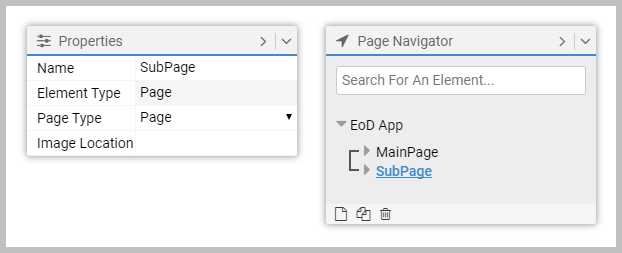
To see the Page object in Properties, select it in Page Navigator, or click white space on the canvas. The key properties are:
- Page Type. Types:
- Start Page. This is the App's landing page following a successful login.
- Page. Any other pages in the App.
- Image Location. Optional. Use this to set an alternative image location. Typically, this is not set.
Article last edited 10 February 2020